 Alfredo Manresa
Cromazo
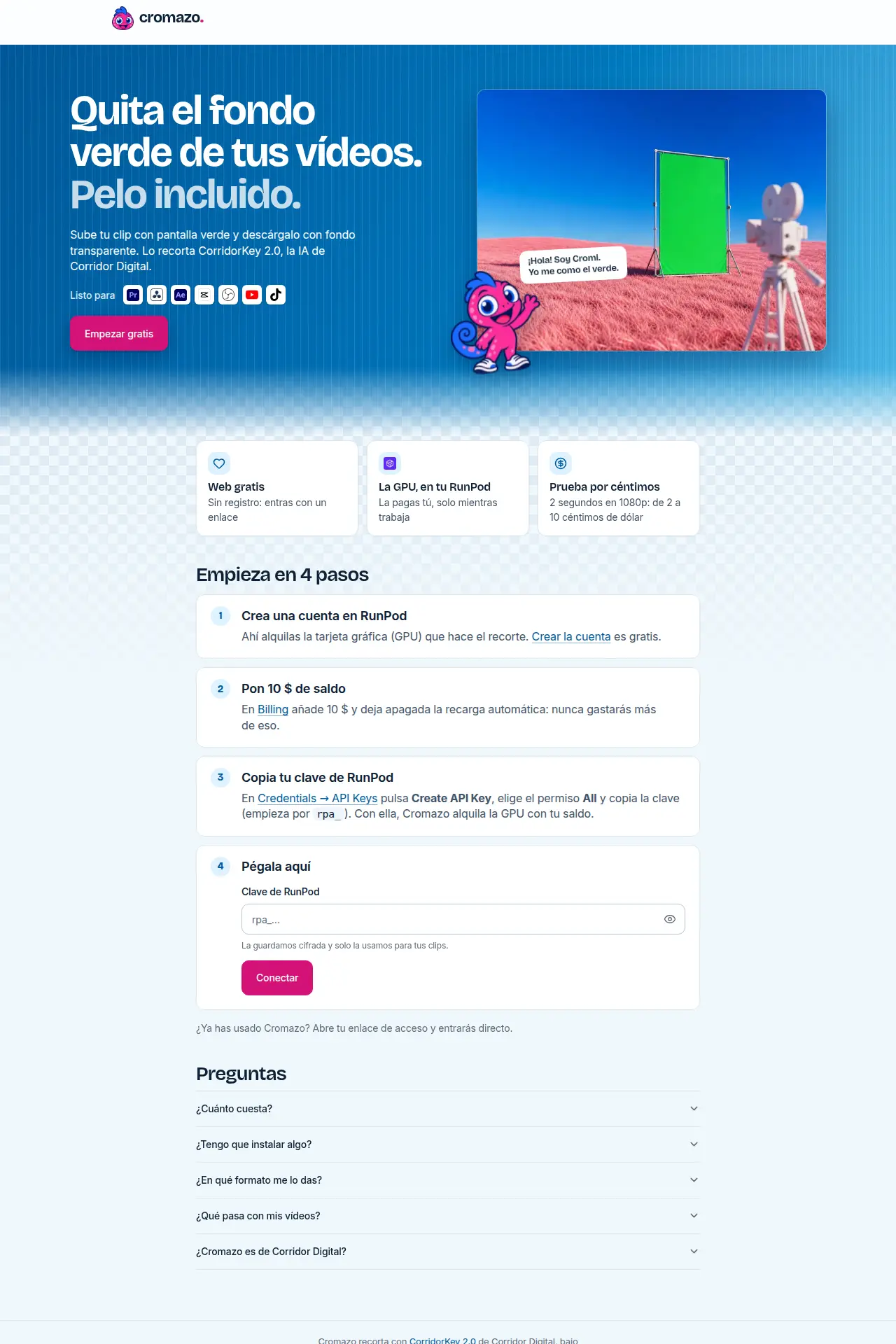
Remove the green screen from a video, online
Your videos in more languages without leaving YouTube: captions, title and description translated, checked by you, and published in one go. No more shuffling SRT files around.
Paid plans
Web app · Built by Alfredo Manresa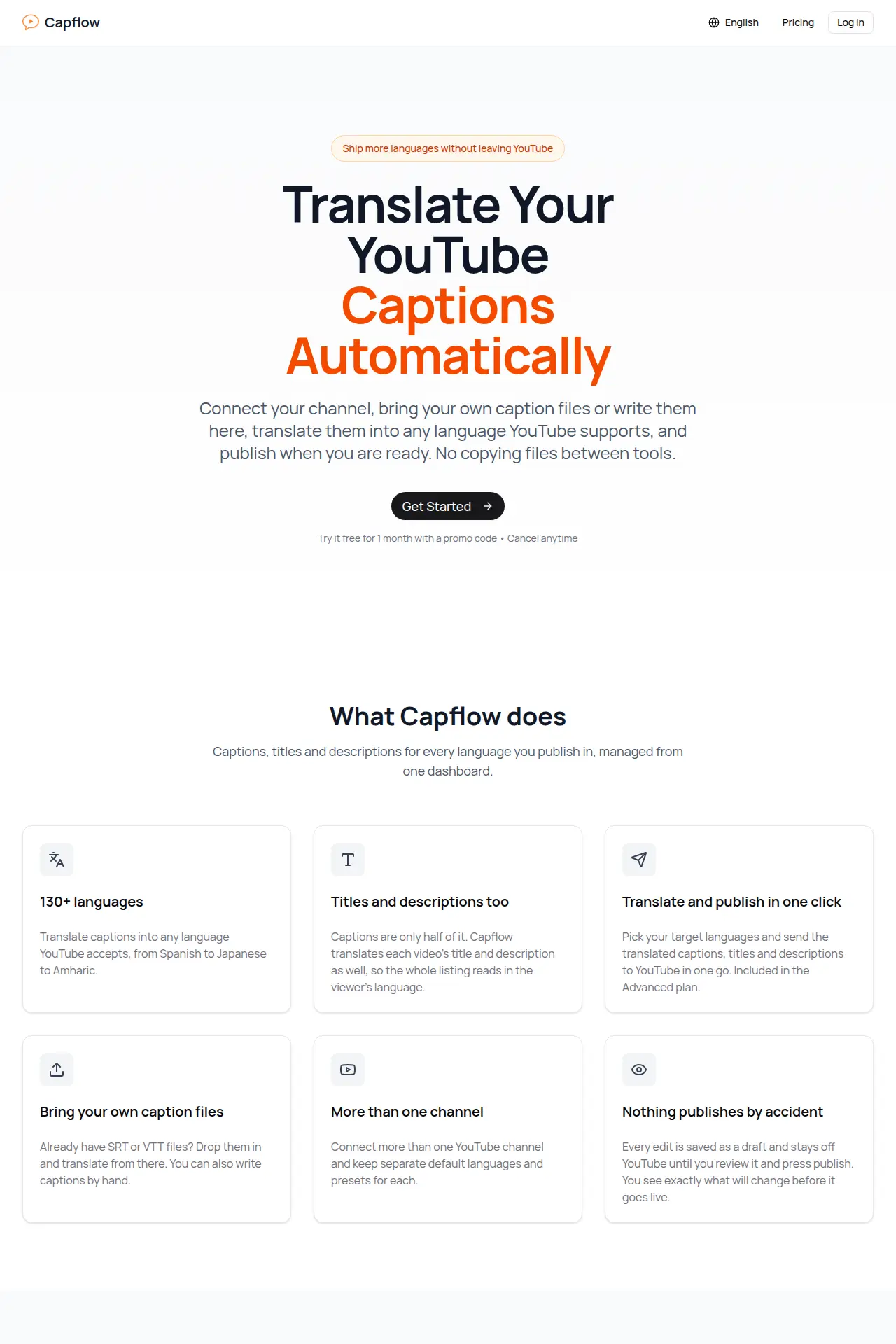
CapFlow translates the captions, title and description of each video. Bring your SRT or VTT files, or write the original captions in CapFlow.
Every translation is saved as a draft and stays off YouTube until you review it and press publish. You can connect more than one channel and save sets of languages as presets for new uploads.
Paid plans. You can try it free for one month with a promo code.
Remove the green screen from a video, online
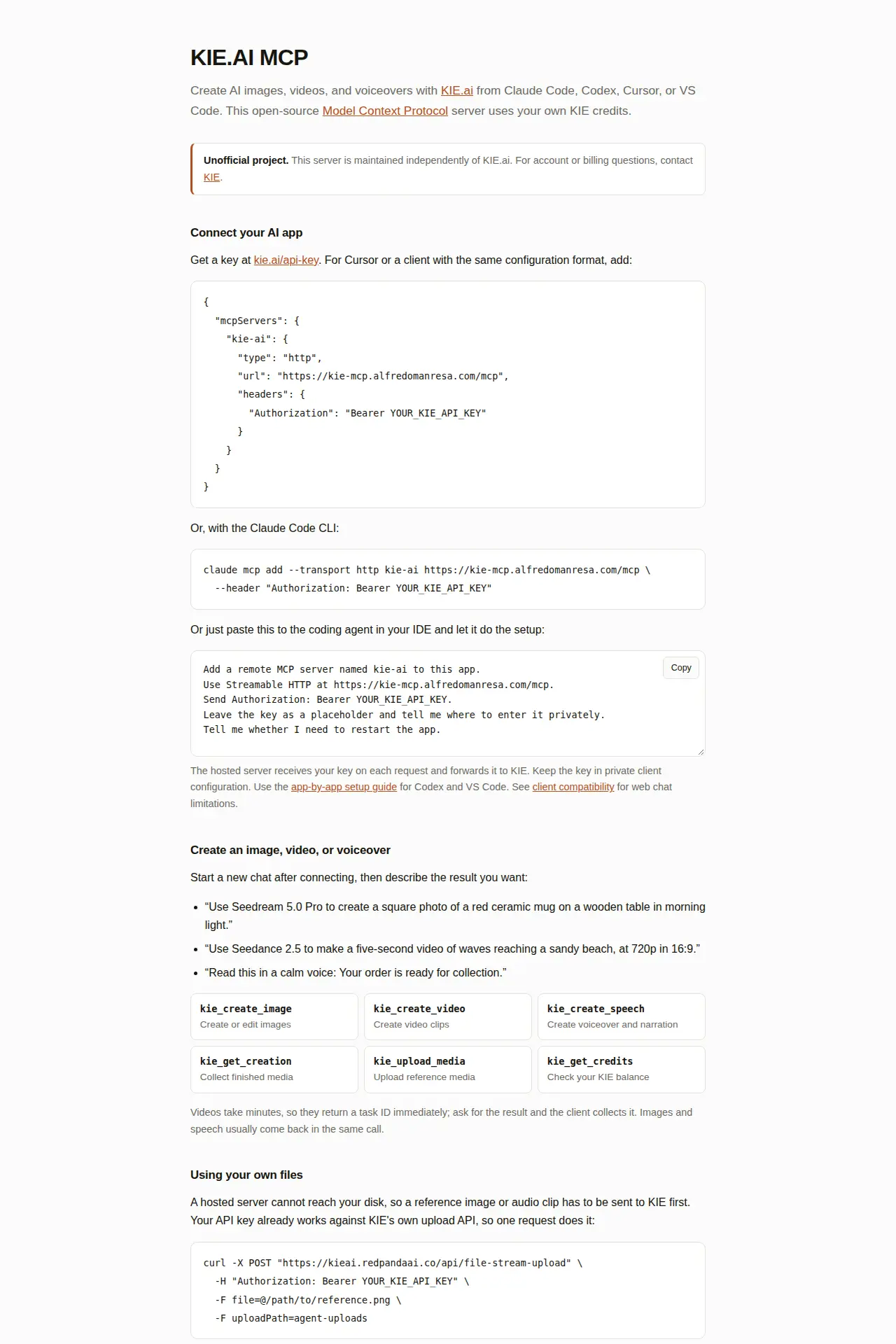
Generate AI images, video and voice from your coding agent
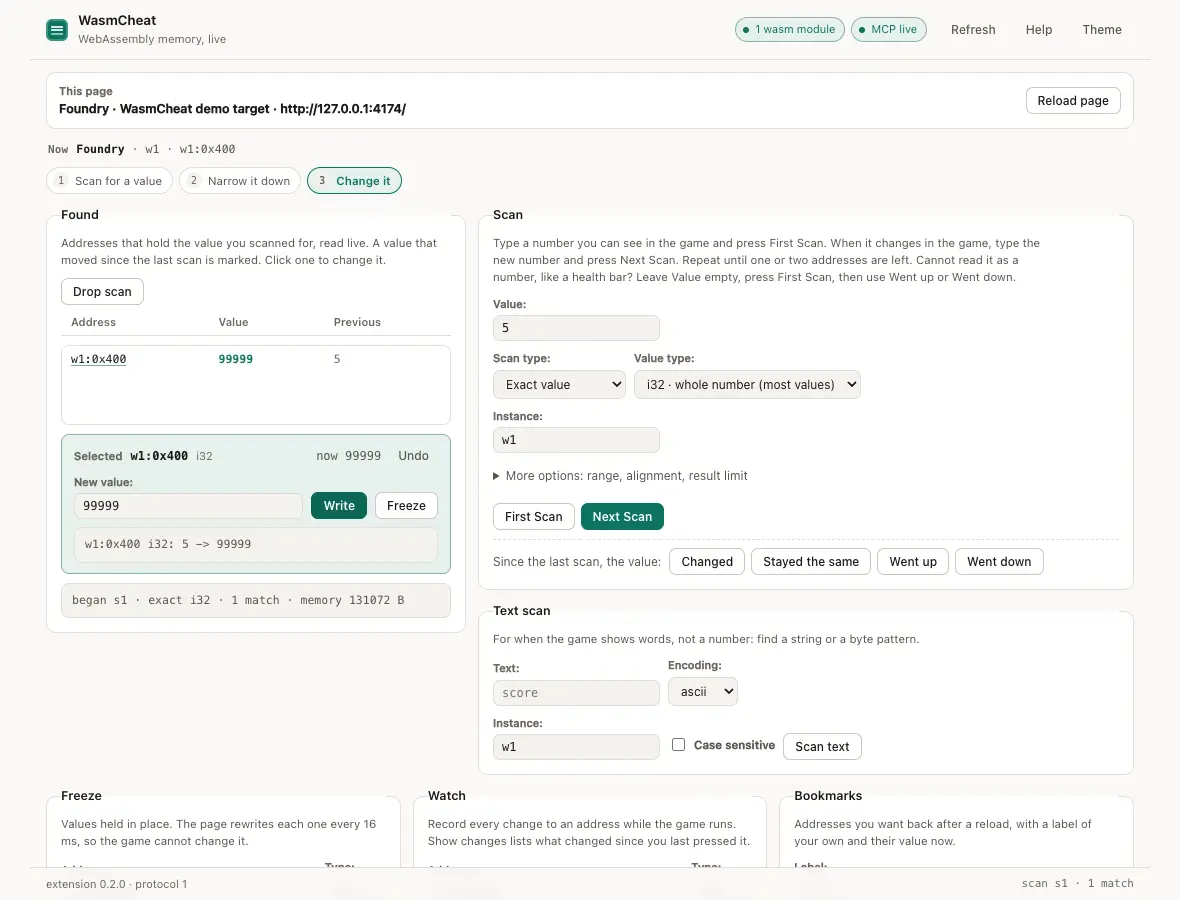
Let your AI agent mod any web app or browser game