 Alfredo Manresa
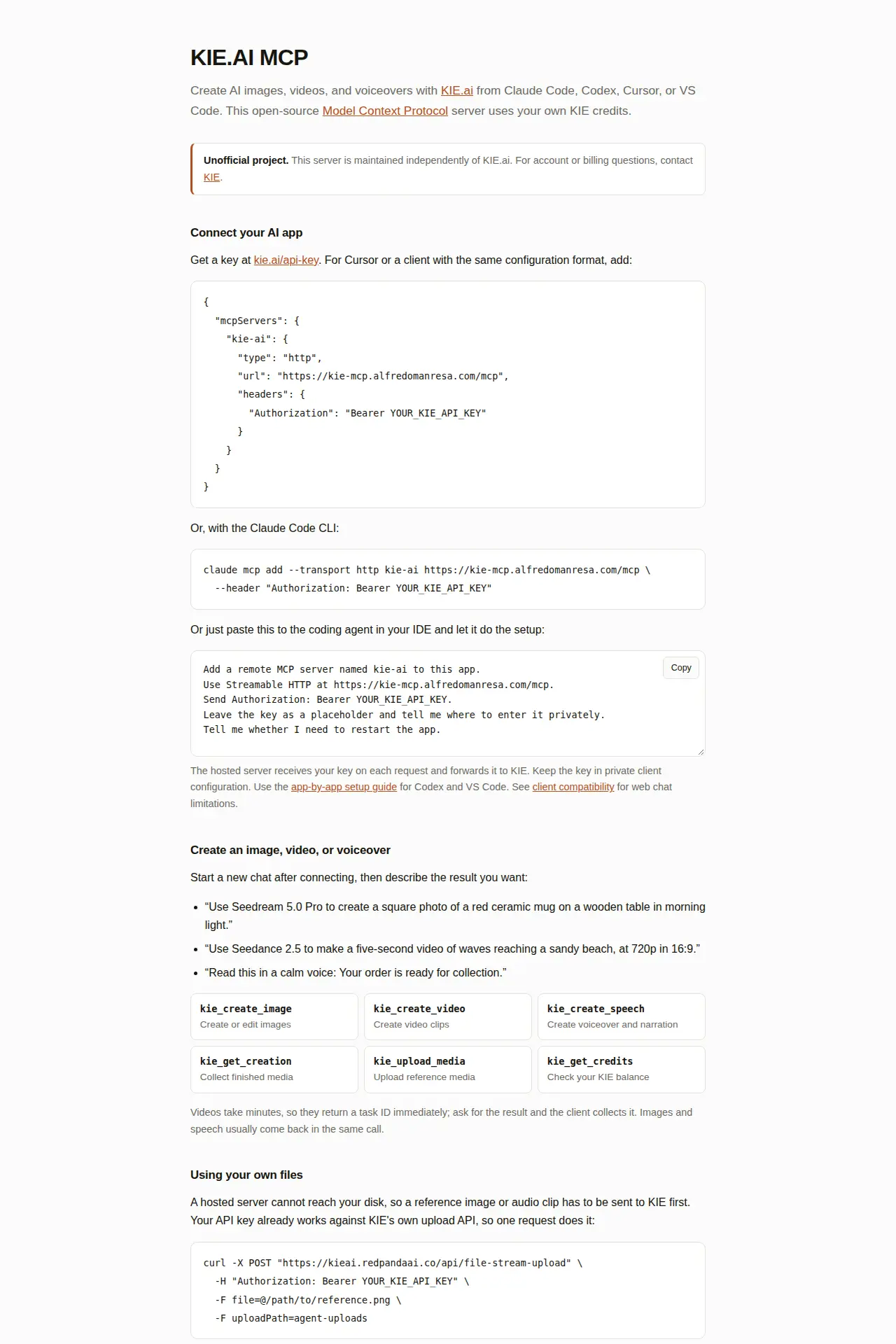
KIE.AI MCP
Generate AI images, video and voice from your coding agent
Drop in a green-screen clip, get it back with a transparent background, hair included. The site is free; the GPU runs on your own RunPod account, and you see the price before it starts.
Free
Web app, in Spanish · Built by Alfredo Manresa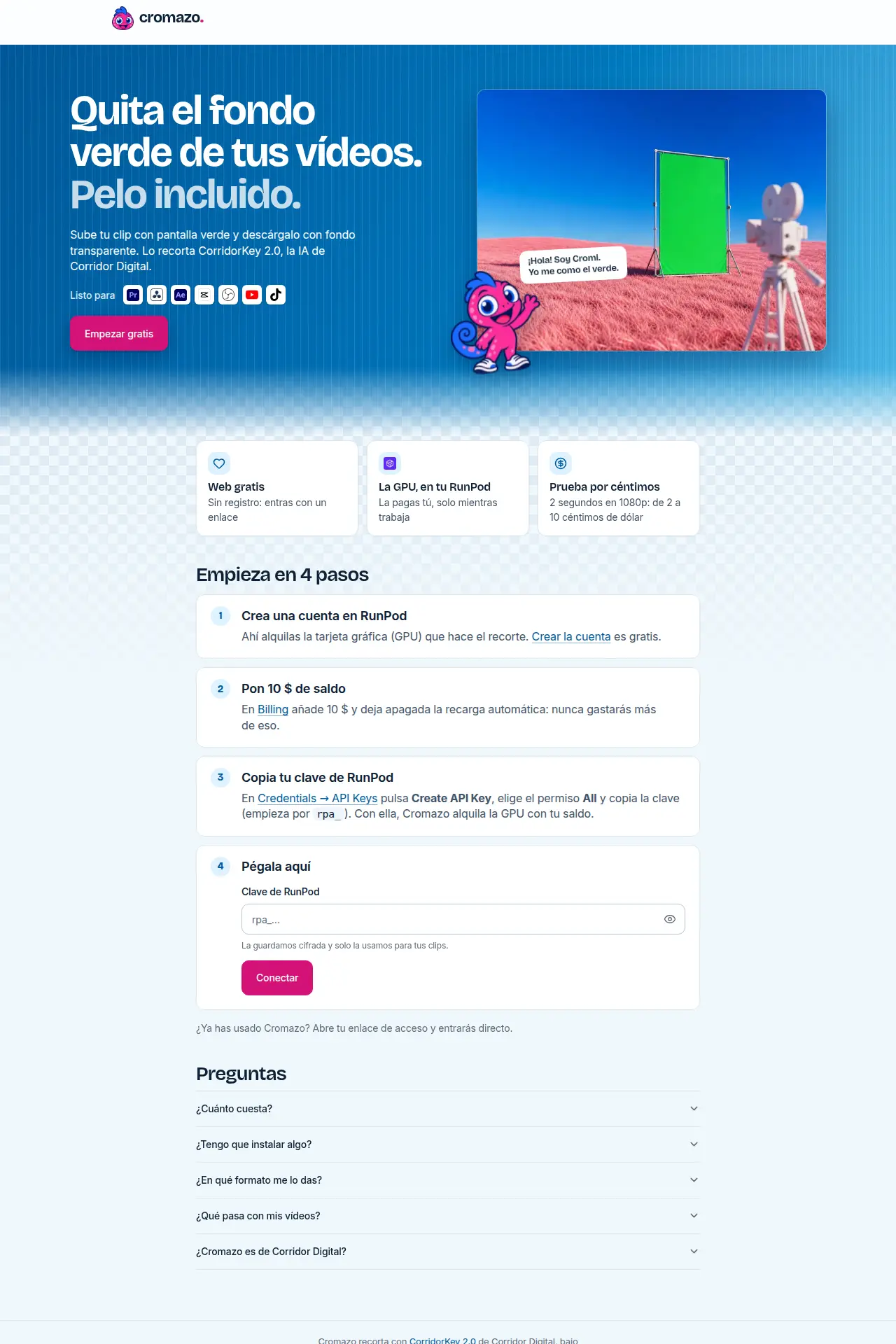
Cromazo removes the green screen (chroma key) from your clips with CorridorKey 2.0, the open-source keyer. You get files with a transparent background for Premiere, DaVinci Resolve, CapCut, OBS, the web, or EXR for VFX work.
Processing runs on a GPU in your own RunPod account, billed per second and only while it works. Before you start, Cromazo shows the time and the cost of each speed. Long clips run in segments, and finished segments are kept if something fails or your balance runs out.
Clips can be up to one hour and 40 GB.
The website is free. You pay RunPod for GPU time; a 2-second test render in 1080p costs between 2 and 10 US cents.
Cromazo is not affiliated with Corridor Digital.
Generate AI images, video and voice from your coding agent
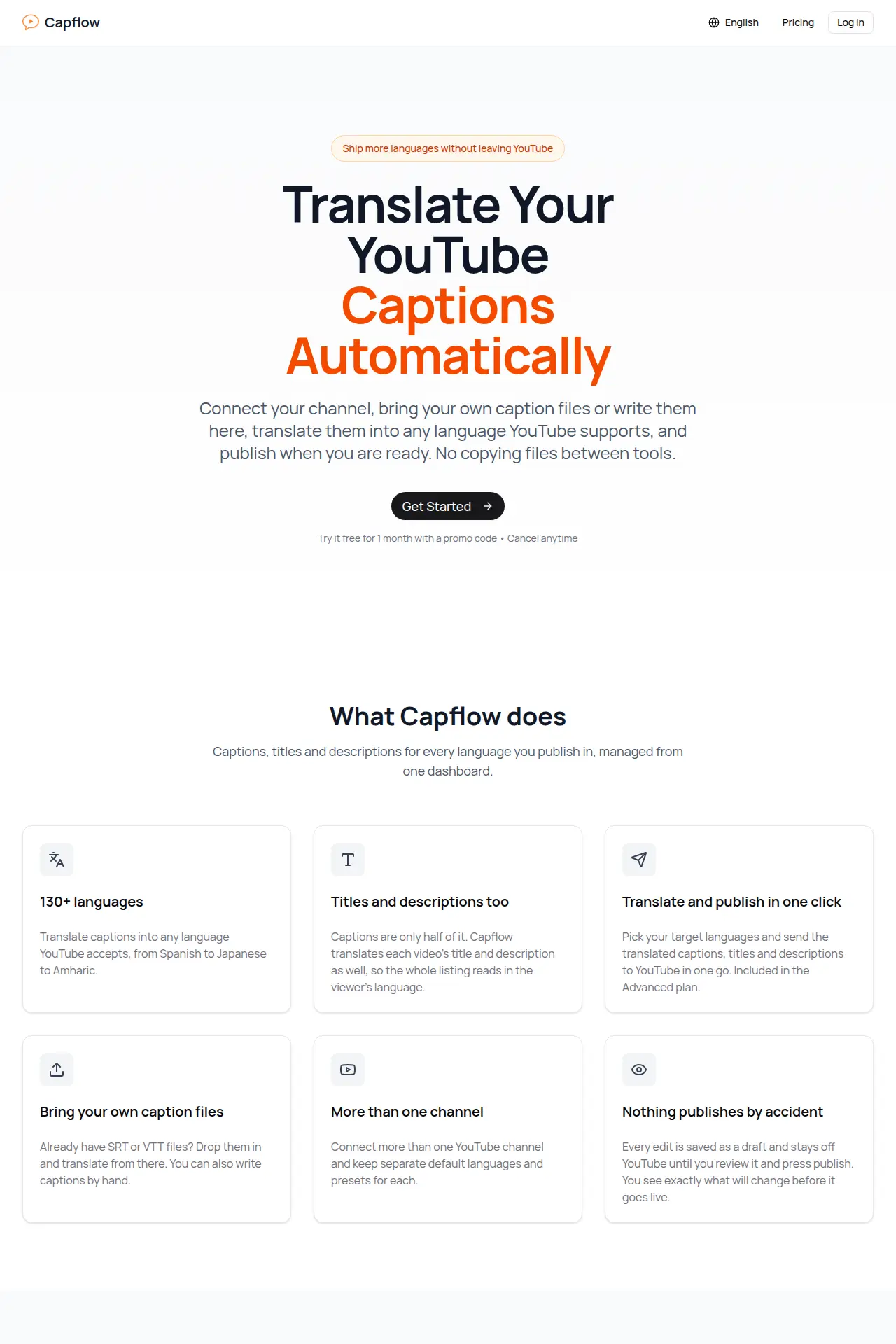
Translate your YouTube captions, titles and descriptions
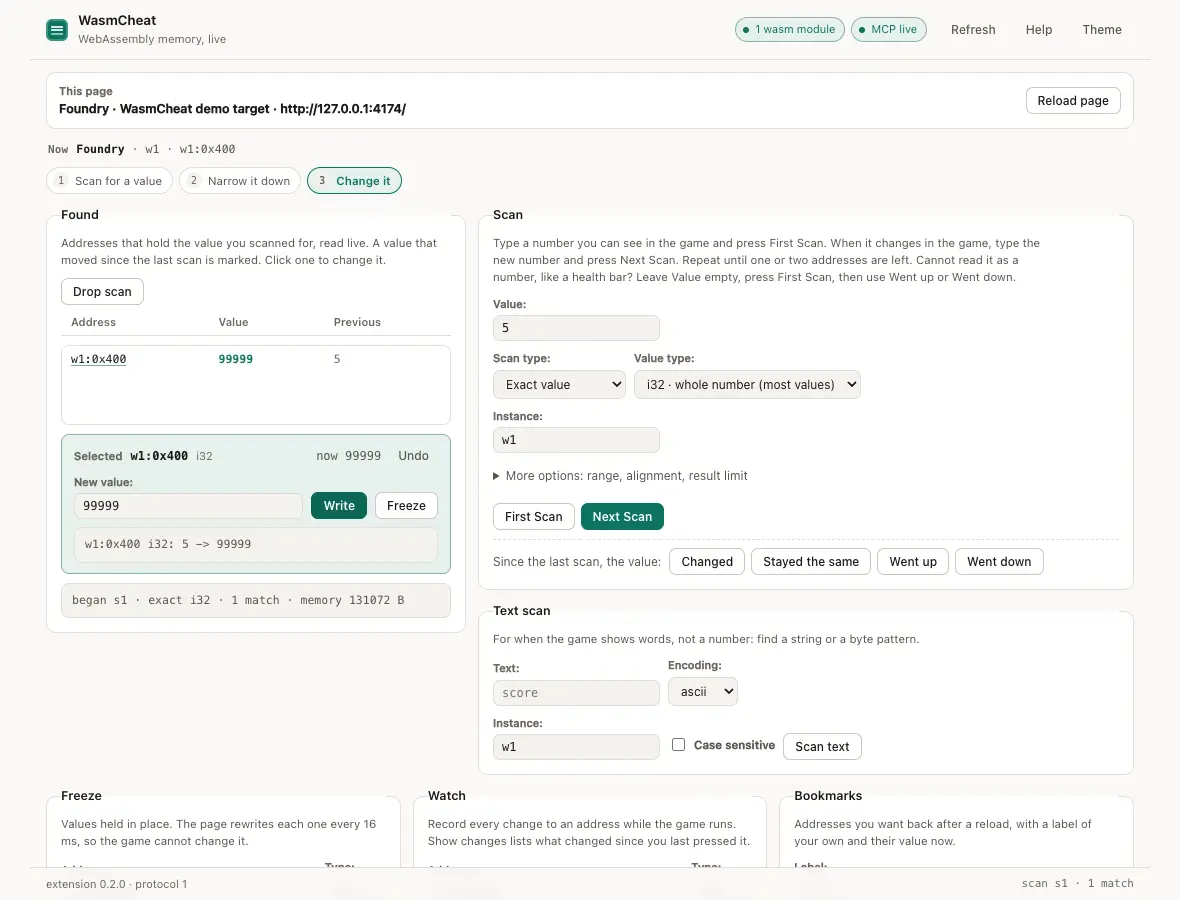
Let your AI agent mod any web app or browser game